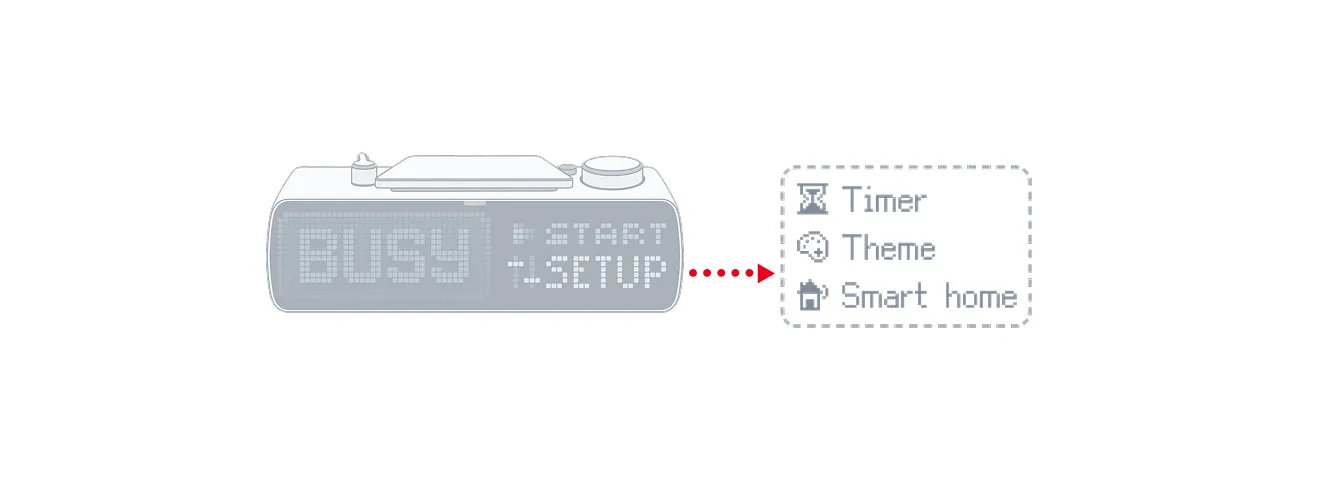
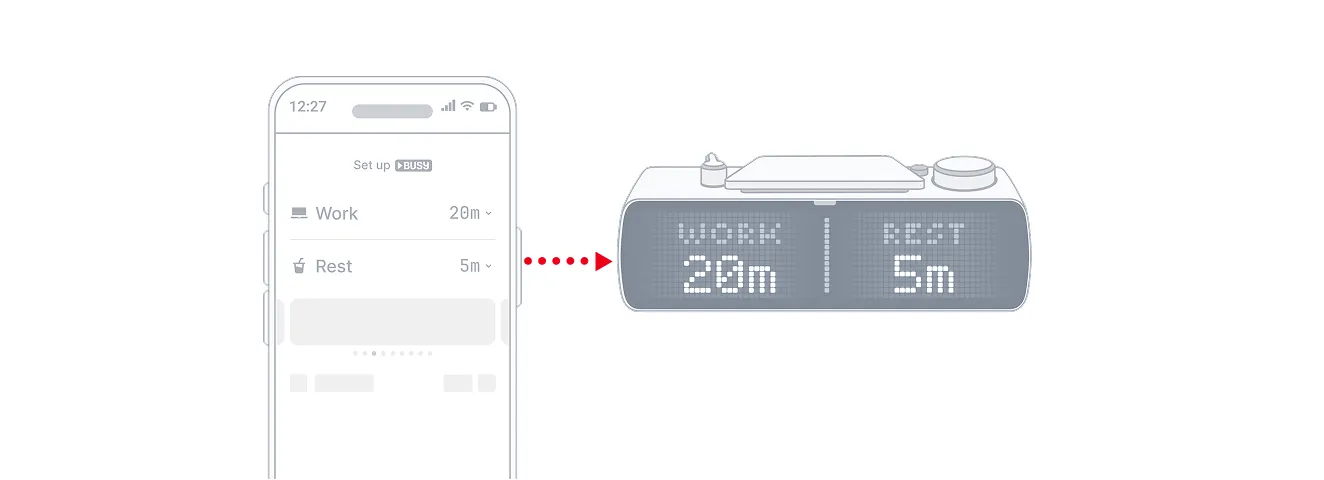
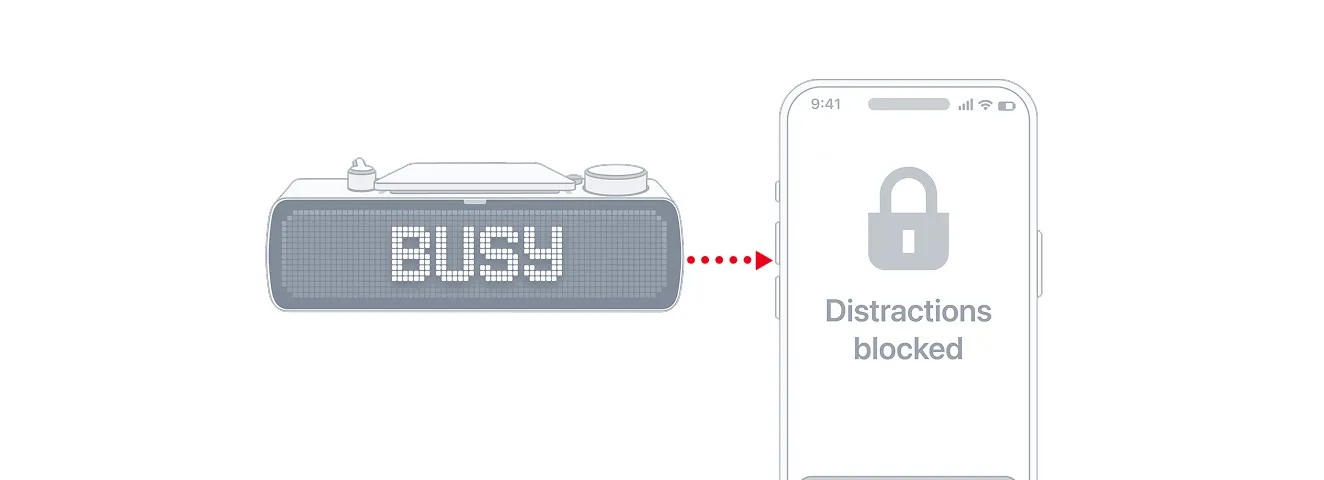
BUSY and CUSTOM modes
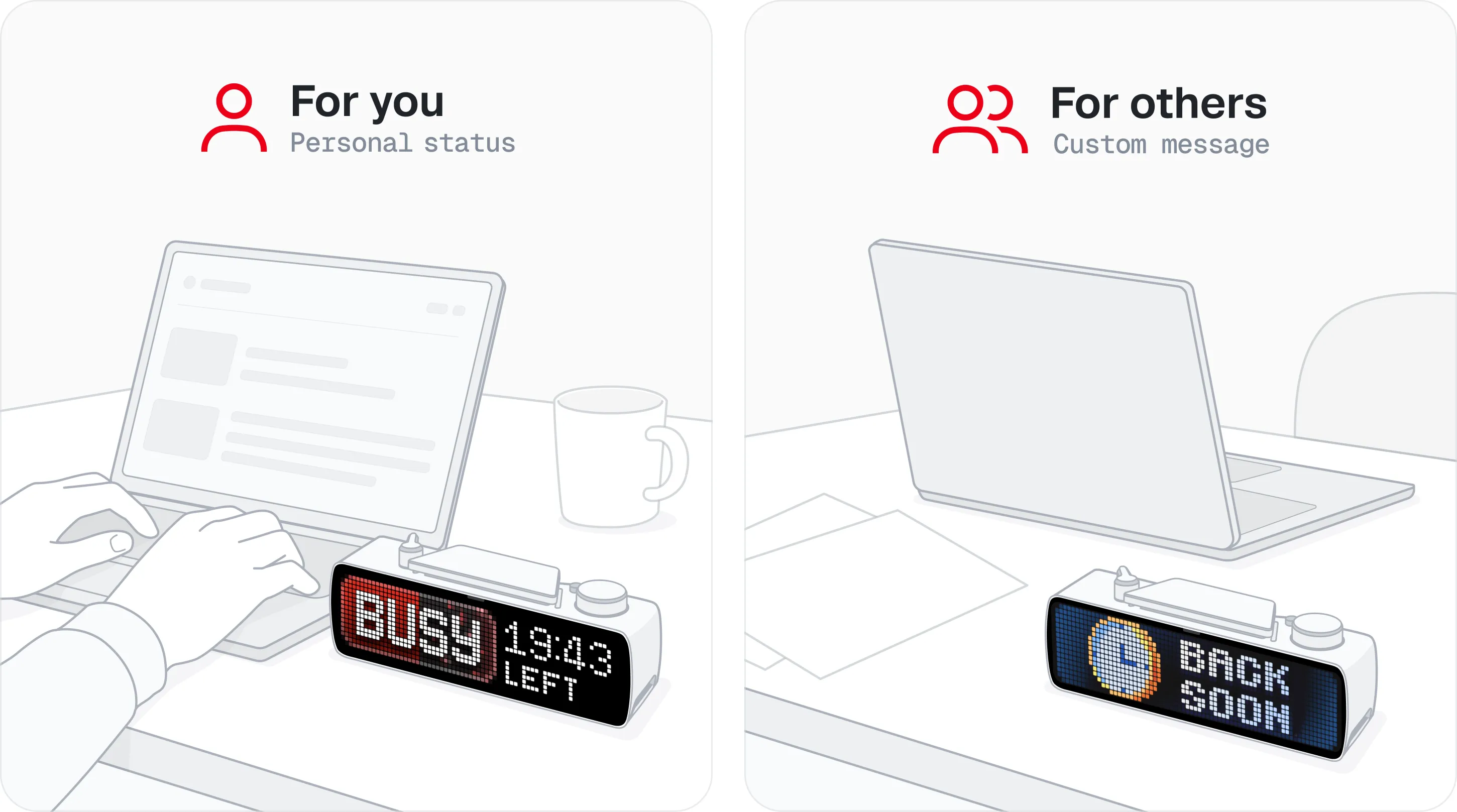
BUSY Bar comes with two focus modes:  and
and  . BUSY is intended as your main focus mode, while CUSTOM works as a status indicator for people around you. In practice, both modes offer the same functionality and can be fully adjusted to your preferences.
How to start a focus session on BUSY Bar
Switch your BUSY Bar to or .
Press  Start / Pause.
A focus session starts on your BUSY Bar and, if connected, in the BUSY App on your phone and desktop device.
Control your focus session from BUSY Bar
Once a BUSY session is active, the controls adapt in the following way:
-
 Start / Pause button — Pause your focus session
-
 Scroll wheel — Rotate to adjust time, or press to skip the current phase
-
 Mode selector — Move to immediately end your session
-
 Back button — Immediately end your session
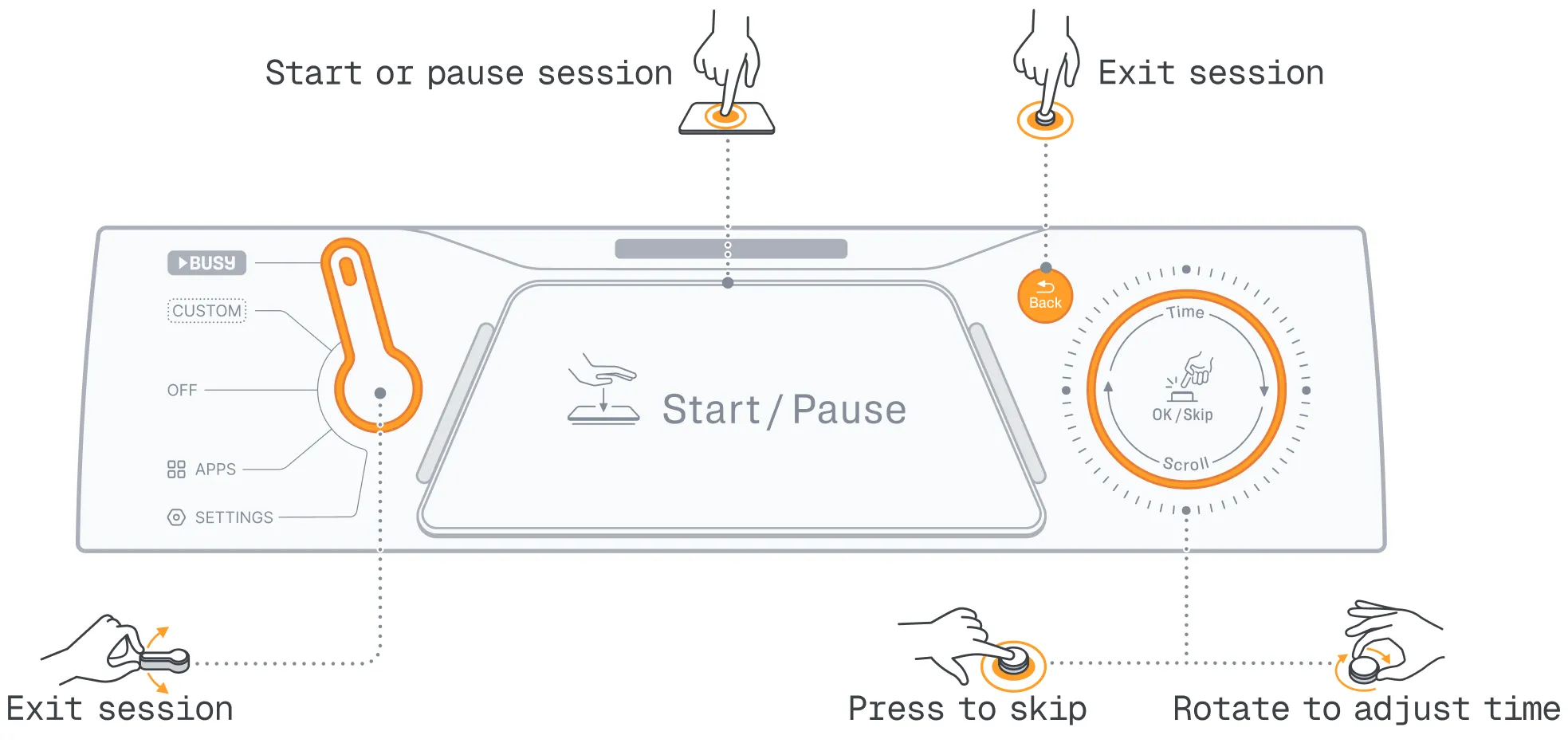
 About using the scroll wheel to adjust the time
In sessions with BUSY and REST phases (interval timer), rotating the  scroll wheel adjusts only the current phase. For example, if you extend a BUSY phase from 20 to 30 minutes, it returns to 20 minutes after the REST phase.
To adjust the time of the entire session, you need to do it in the mode’s settings:
- Switch your BUSY Bar to or .
- Go to Setup -> Timer to set the session duration.
Control a focus session from BUSY App
 BUSY App and BUSY account create a seamless ecosystem across your BUSY Bar, phone, watch, and Mac. Start a focus session on any linked device and continue controlling it from another — all devices stay automatically synchronized.
Using mobile BUSY App
Before you start, log in to your BUSY account and link your BUSY Bar to it%page%
With BUSY App on your iOS or Android phone, you can set up, start, and control focus sessions running on your BUSY Bar and other connected devices. You can also choose which apps are blocked on your phone during a focus session. Learn more%page%Learn more about the mobile BUSY App%page%
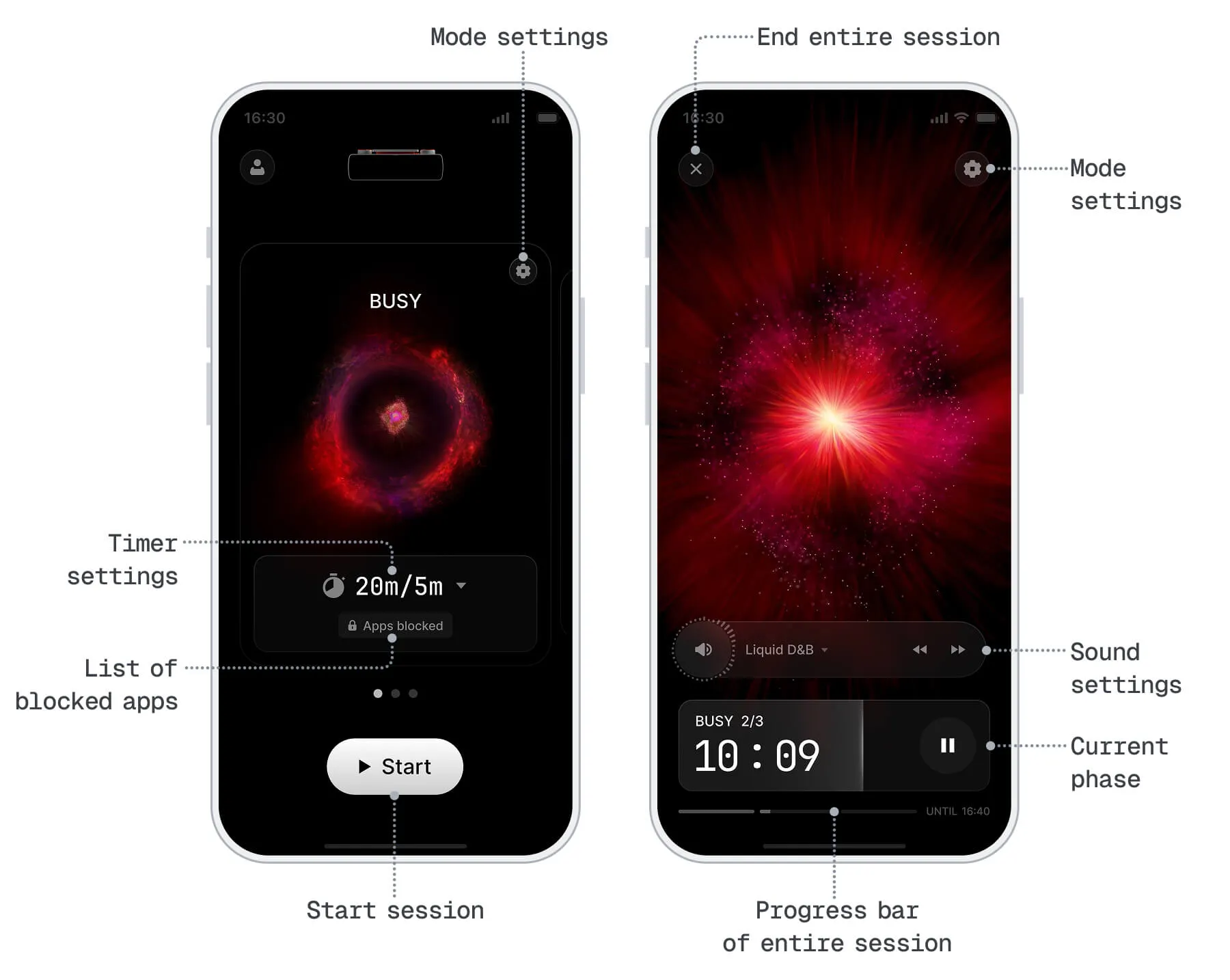
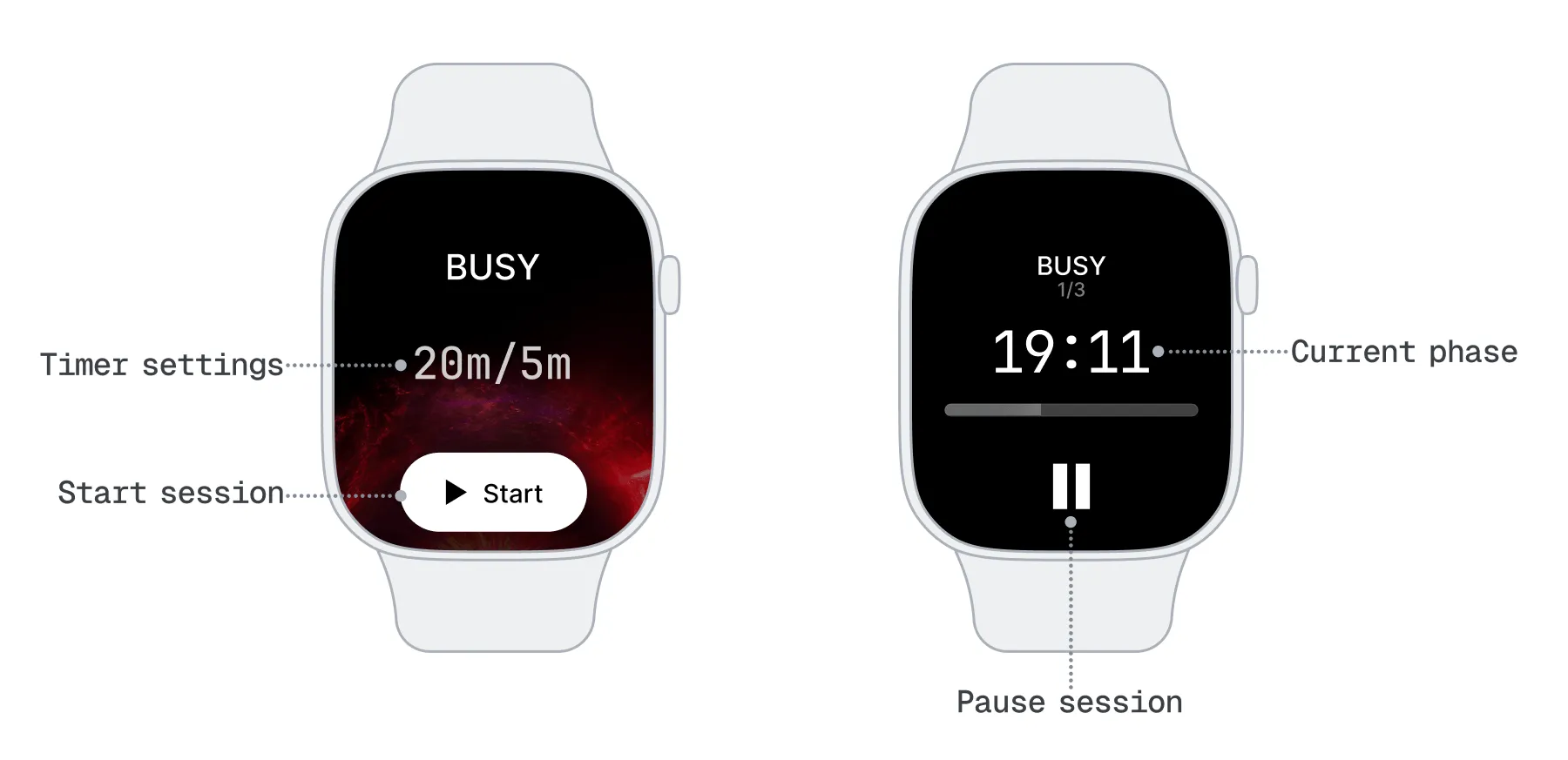
Using BUSY App on your watch
BUSY App on your phone is required
BUSY App must be installed on the paired phone for it to work on watches. Currently, BUSY App is not available as a standalone app for watchOS or Wear OS.
With BUSY App on your watchOS or wearOS device, you can start and control focus sessions running on your BUSY Bar and other connected devices. The BUSY App on your watch can’t change the timer settings. For this, use the BUSY App on your phone or the BUSY Bar device, or the BUSY App on your Mac if synced. Learn more%page%
Using desktop BUSY App (Mac only)
Before you start, log in to your BUSY account and link your BUSY Bar to it%page%
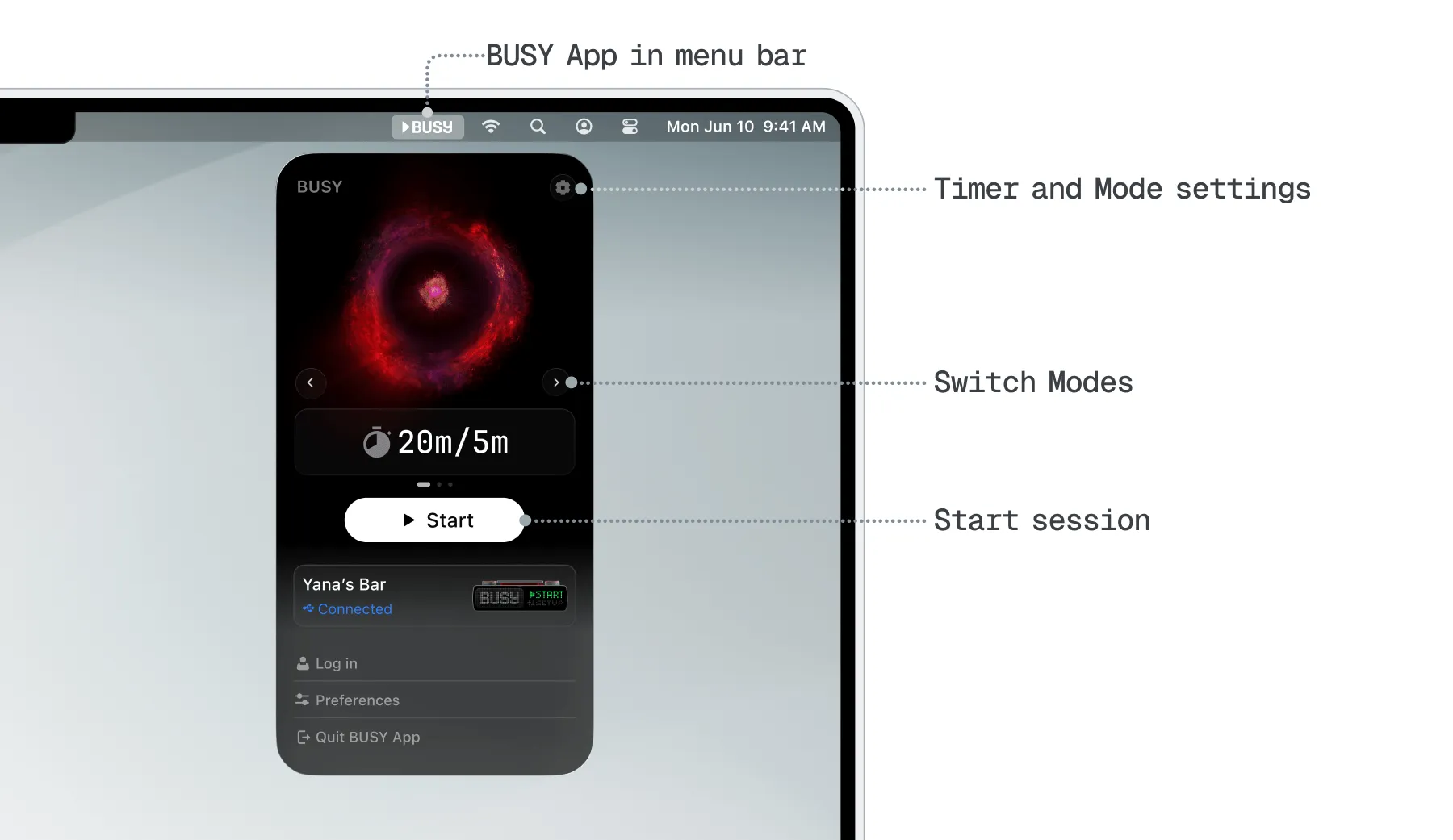
With BUSY App on your Mac, you can set up, start, and control focus sessions running on your BUSY Bar and other connected devices. Learn more%page%
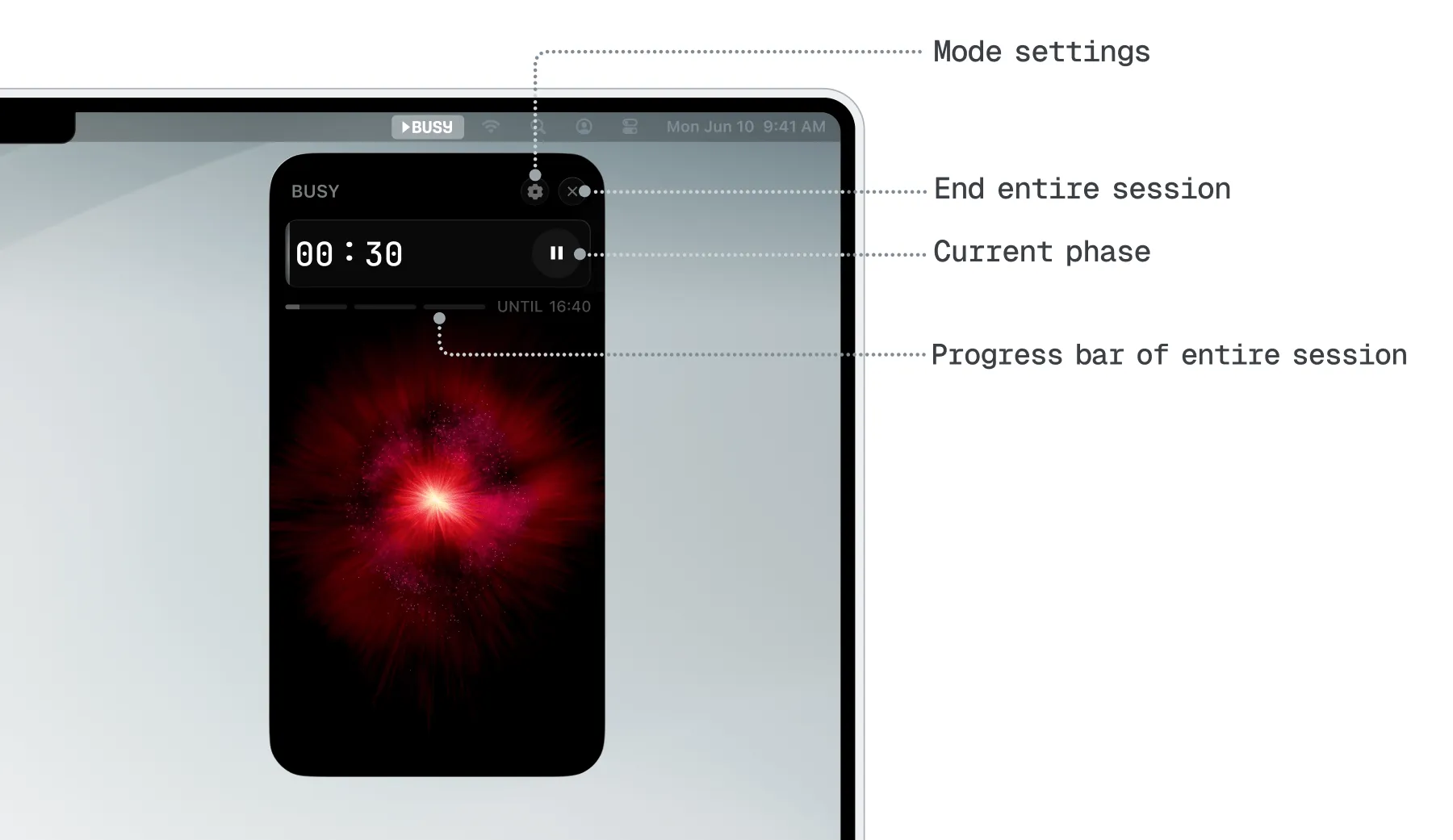
You can reduce distractions by blocking apps, syncing settings with the mobile app, and extending your setup with smart home integrations. Learn how to set up modes and block distracting apps: