Set up modes on BUSY Bar
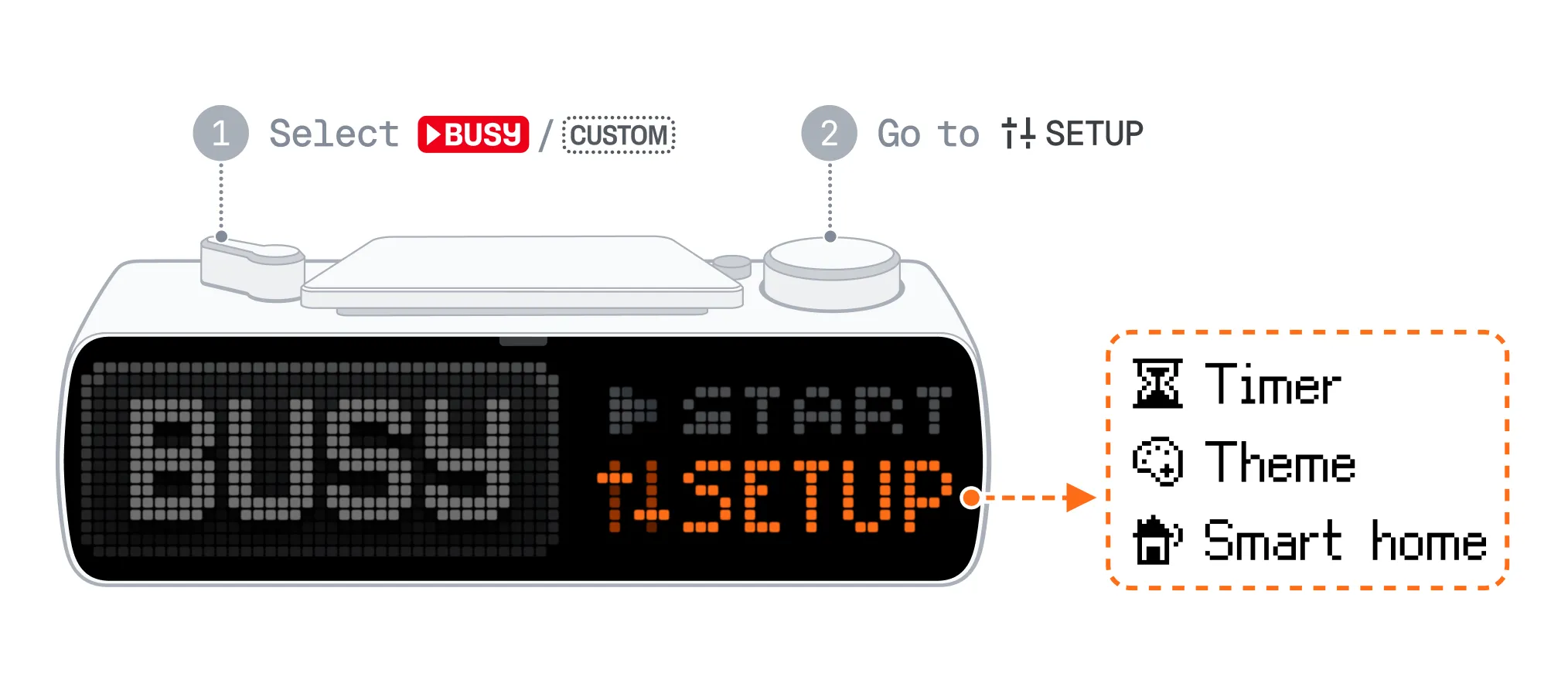
You can set up BUSY and CUSTOM modes right on your BUSY Bar. Alternatively, you can configure them from your phone.
On this page, you’ll learn how to change mode settings and see an overview of the available options.
Change mode settings
You can change the timer settings and the status theme:
Switch your BUSY Bar to  or
or  to set up the chosen mode.
Go to Setup -> Timer to change timer settings.
Go to Setup -> Theme to set the status when in a focus session.
Go to Setup -> Smart home -> Trigger smart home to enable or disable smart home automation.
Timer settings
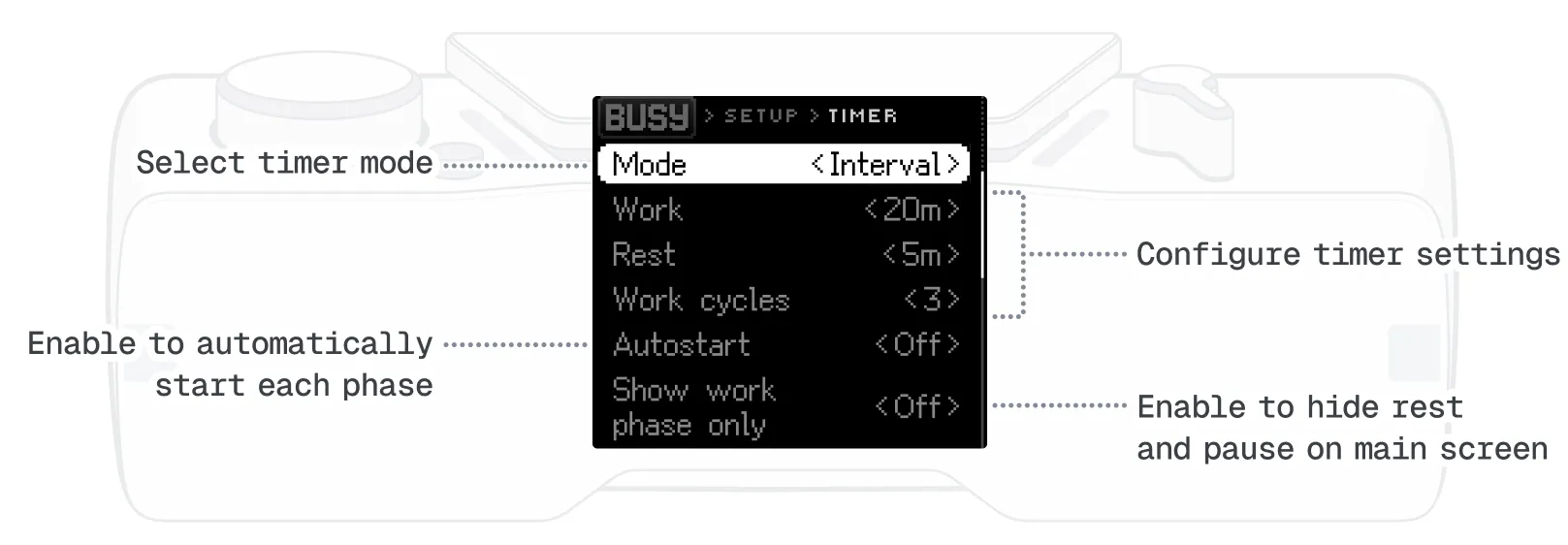
Overview of timer settings
- Mode:
- Interval — work and rest phases, like a Pomodoro timer.
- Simple — a countdown to the end of the session.
- Off — no time limit. The session runs until you stop it.
- Autostart: When On, the next phase starts automatically
- Show work phase only: When On, the device doesn't display the rest phase or pause on the main screen
Default settings
BUSY mode: interval timer — 20 min work / 5 min rest × 3 cycles
CUSTOM mode: simple timer — 20 min with “Keep out” theme