Connect to smart home
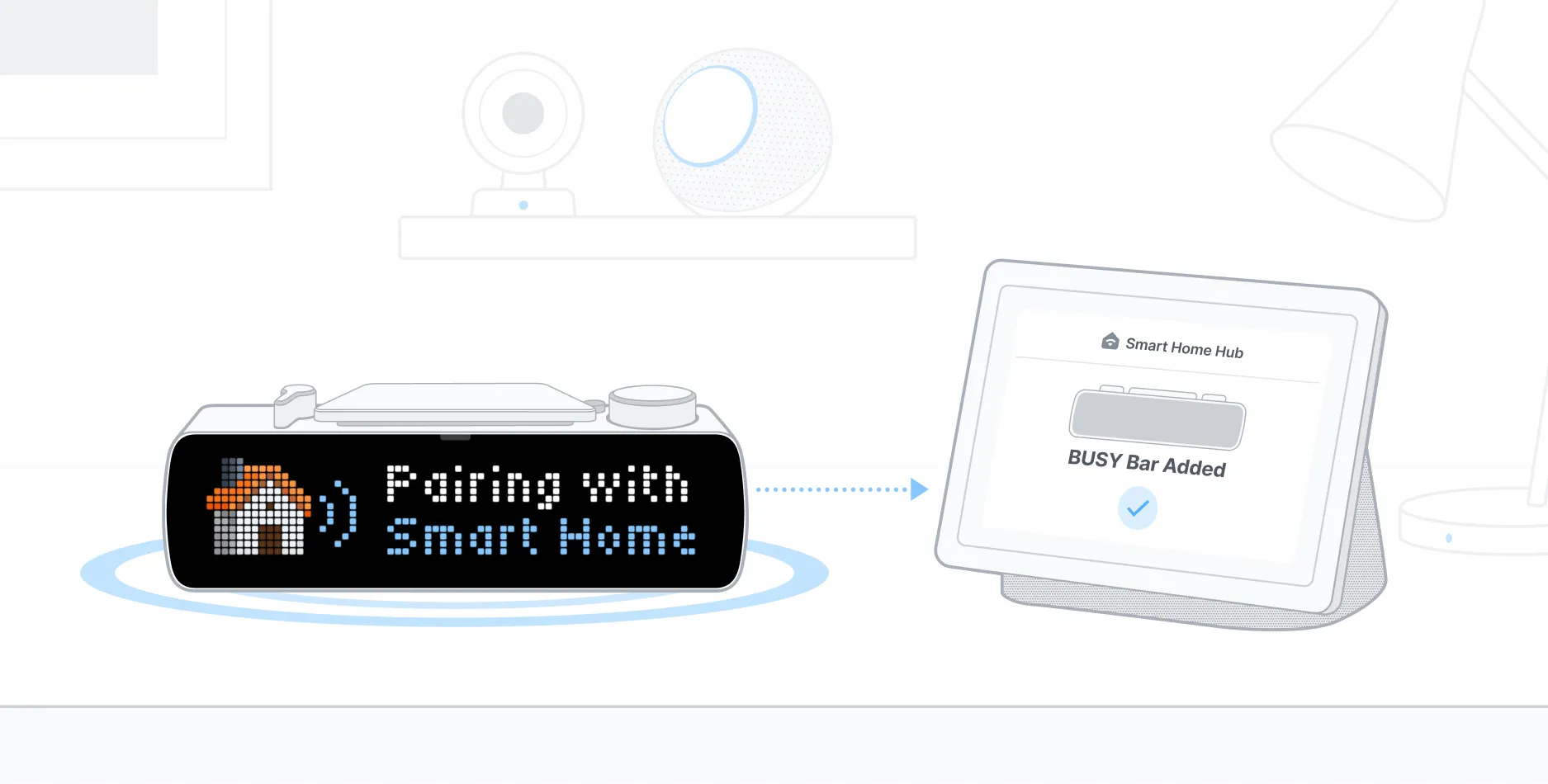
To use BUSY Bar in your smart home, you’ll need an Android or iOS phone and a Matter-compatible smart home hub. Some smart speakers, TVs, or TV set-top boxes can be used as a hub.
On this page, you’ll learn how to manage BUSY Bar in your smart home:
- Add BUSY Bar to multiple smart homesAdd BUSY Bar to multiple smart homes

Add BUSY Bar to your smart home
Before adding your BUSY Bar to a smart home, make sure:
-
 You have a Matter-compatible smart home hubYou have a Matter-compatible smart home hub

The steps and menu names may differ between smart home apps. Use this guide as a reference. To add BUSY Bar to your smart home:
On your BUSY Bar, go to Settings → Smart home → Pair device.
On your phone, open your smart home app and go to  → Add Accessory → Scan QR code.
Scan the QR code on your BUSY Bar’s back screen with your phone.
Assign the BUSY Bar to a room and name it to help you identify and control it.
Now your BUSY Bar will appear in your smart home app as a smart light with two states: ON and OFF. You’re now ready to set up automations.
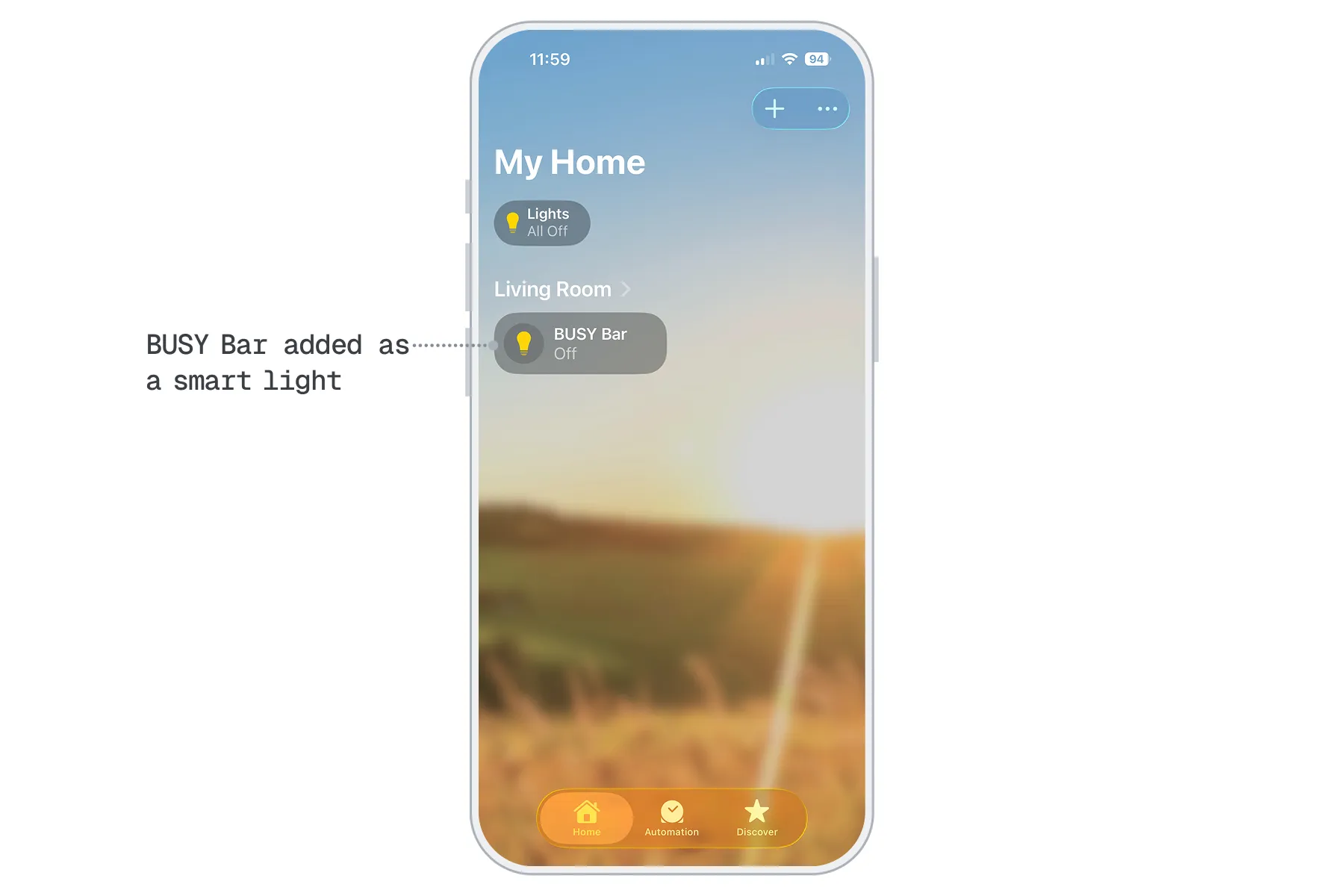
For detailed instructions on adding devices to a smart home, see the guide for your system:
- Google Home

- Apple Home
- SmartThings
- Amazon Alexa
- Home Assistant

Add BUSY Bar to multiple smart homes
You can connect your BUSY Bar to multiple smart homes by repeating the steps described abovedescribed above for each smart home.
Remove BUSY Bar from your smart home
If you no longer want to use BUSY Bar with your smart home setup, you can remove it at any time. This removes the device from your automations and stops any actions triggered by your focus sessions. You can remove your BUSY Bar either through your smart home app or directly from BUSY Bar.
Using smart home app
Open your smart home app on your phone.
Choose your BUSY Bar.
Go to the device settings (usually Settings or the gear icon).
Tap Remove Accessory.
Using BUSY Bar
 Affects all connected smart homes
This removes your BUSY Bar from all connected smart homes.
On BUSY Bar, go to Settings → Smart home → Forget all pairings.
Confirm action. BUSY Bar will restart.