Clock
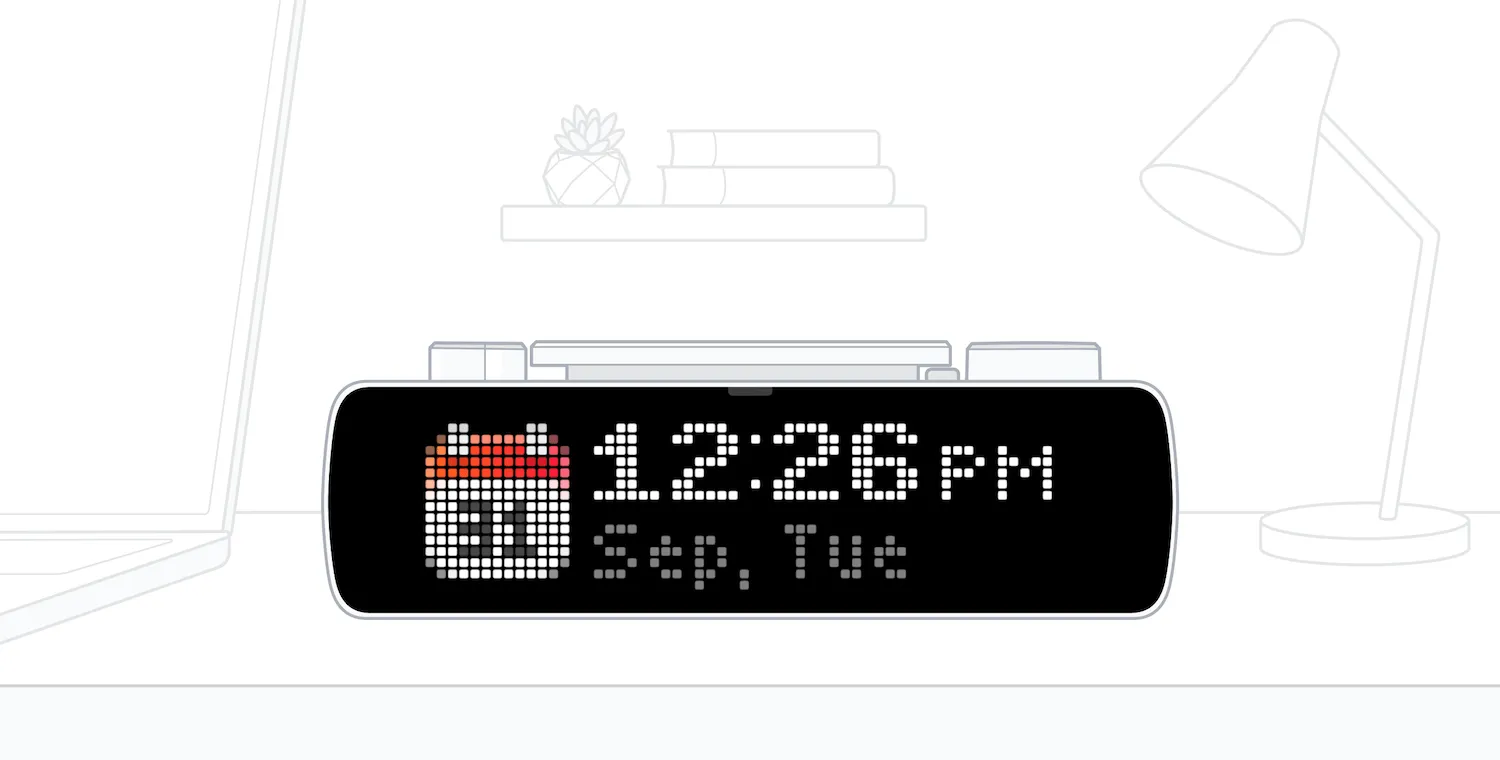
The Clock app shows time and date on both screens of your BUSY Bar. Customize the date and time format and what is shown.
On this page, you‘ll learn how to run the Clock app on your BUSY Bar and how to configure your preferences.
How to run Clock on BUSY Bar
Switch your BUSY Bar to APPS.
Go to Clock.
Select START.
Now, BUSY Bar will display the time on both the front and back screens.
To quit the app:
- Press Back twice.
You can switch to another mode (including OFF) while the app is running. Switching back to APPS resumes the app, so you can quickly switch between modes.
Change Clock settings
Switch your BUSY Bar to APPS.
Go to Clock.
Select SETUP.
Configure your date and time settings:
- Show date: Disable to hide date
- Show seconds: Enable to show seconds
Change BUSY Bar time settings
To change your BUSY Bar‘s time zone and time format (12/24h):
Switch your BUSY Bar to SETTINGS.
Go to Time.
Go to Time zone and select your preferred time zone.
Go to Time format and select your preferred time format.