Monitor mount
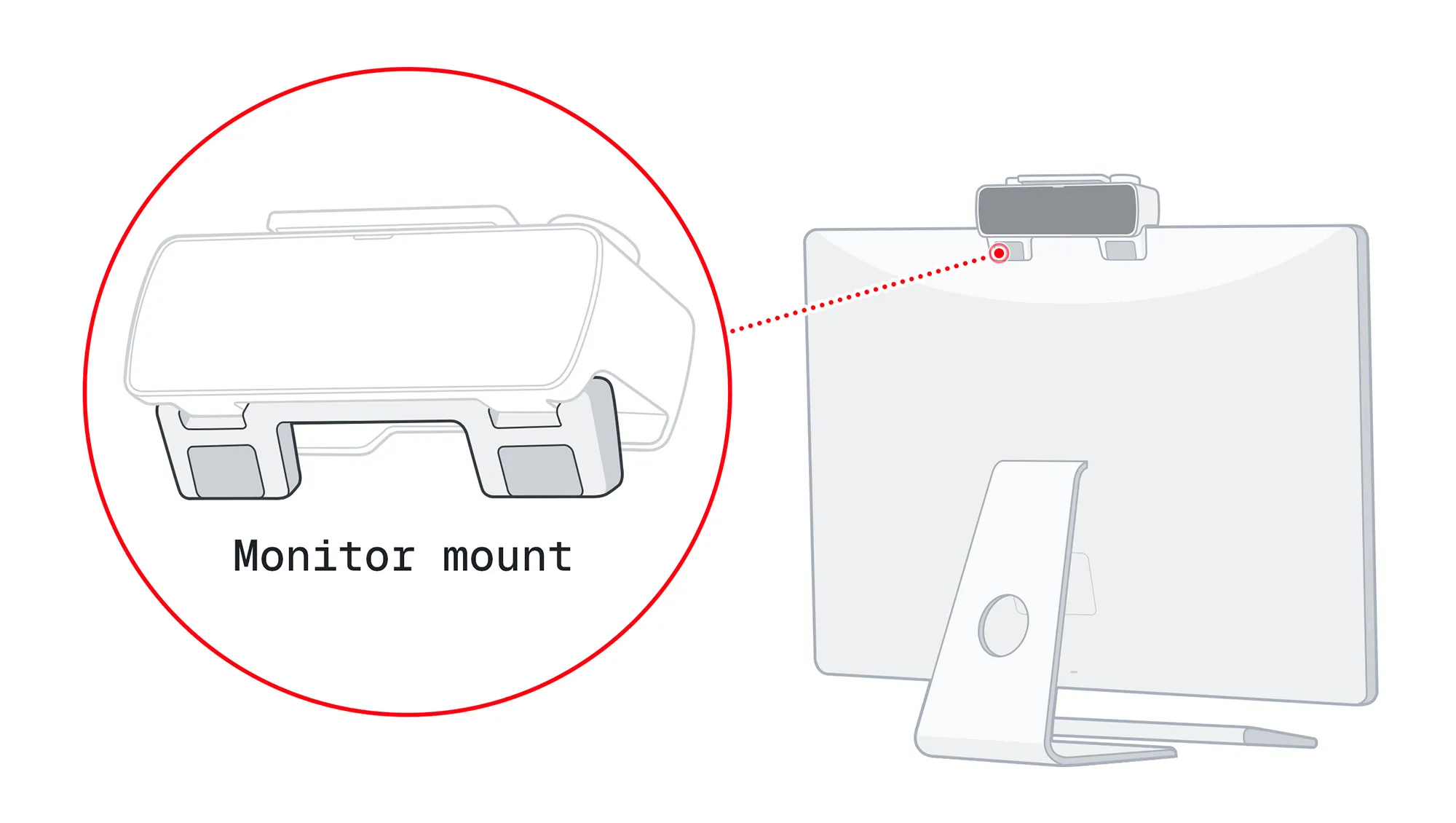
BUSY Bar comes with a built-in monitor mount for quick and secure attachment to the top of your monitor, so others can see your status. Follow the steps below to make sure your BUSY Bar is placed securely:
How to place BUSY Bar on a monitor
The monitor mount is compatible with monitors up to 21 mm (0.83 inch) thick at the top edge. If your monitor is thicker but you’d still like to place your BUSY Bar high to show your status, you can get a Wall mount from our official shop.
To place your BUSY Bar on your monitor:
Pull the mount outward.
Place the device on top of the monitor.
Push the mount inward to secure it against the monitor’s back.
 Important
Make sure the mount touches the back of the monitor. If it doesn’t, your BUSY Bar could fall.
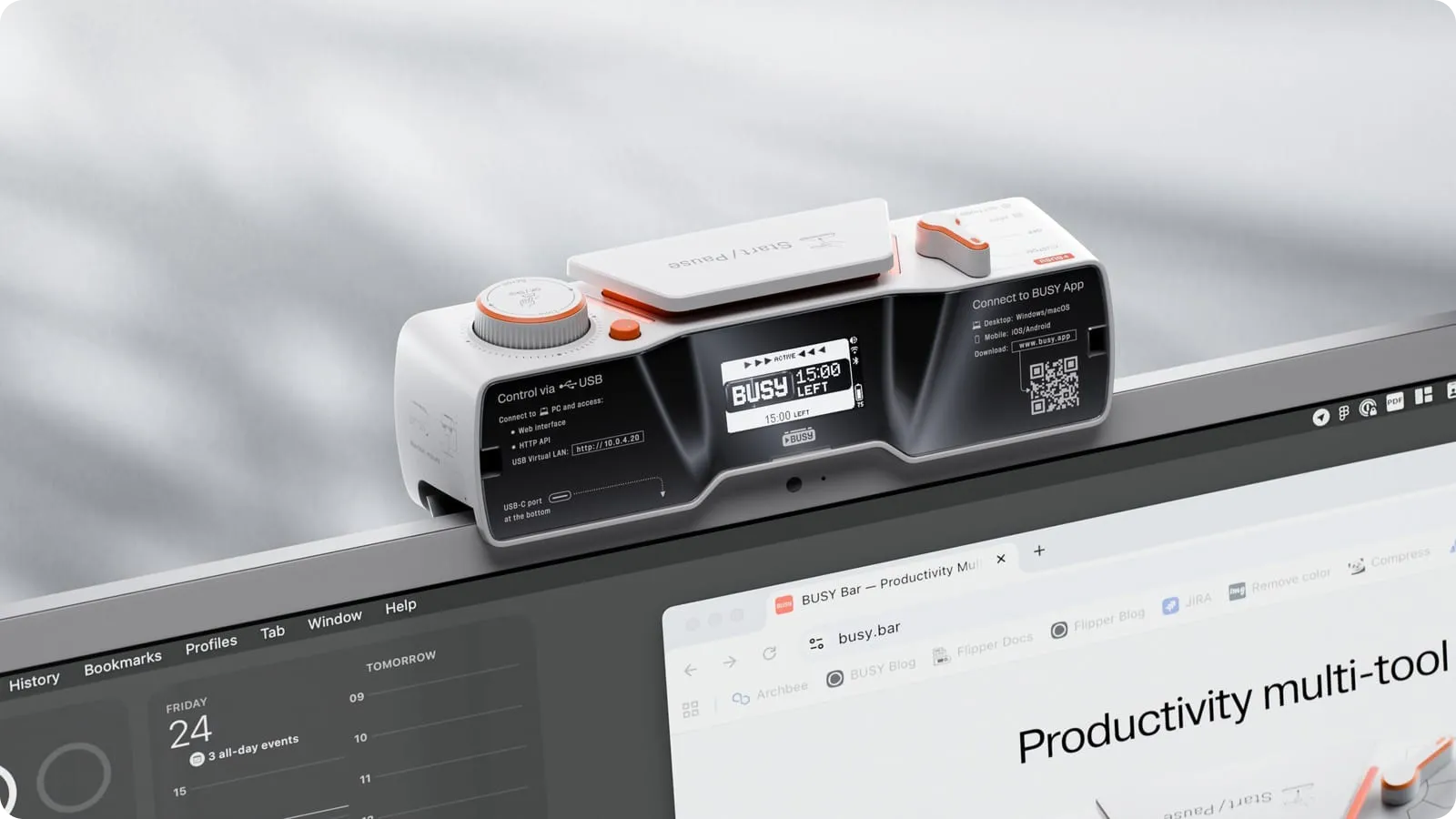
When the BUSY Bar sits on top of your monitor, you can still see everything — the back screen mirrors the main one. The back screen also shows your BUSY Bar’s battery level, Wi-Fi status, sound level, and whether Bluetooth is ON.
How to route the USB cable
You might want to keep your BUSY Bar connected via USB while it sits on top of your monitor. To secure the BUSY Bar in place on your monitor, follow these steps based on the thickness of your monitor.
Make sure the cable is routed correctly
Incorrect cable routing can prevent BUSY Bar from sitting securely on top of your monitor and may cause it to fall. Follow the steps below to route the cable correctly.
For monitors under 15 mm (0.6 inch) thick
To place your BUSY Bar on your monitor:
Pull the mount outward.
Connect the cable to your BUSY Bar’s USB port.
Route the cable directly to the back of your monitor.
Place the device on top of the monitor.
For monitors above 15 mm (0.6 inch) thick
The mount is compatible with monitors up to 21 mm (0.83 inch) thick at the top edge.
To place your BUSY Bar on your monitor:
Pull the mount outward.
Connect the cable to your BUSY Bar’s USB port.
Route the cable into the groove on the bottom side of the BUSY Bar.
Place your BUSY Bar on top of the monitor, keeping the cable in the groove.