Auto ON CALL status
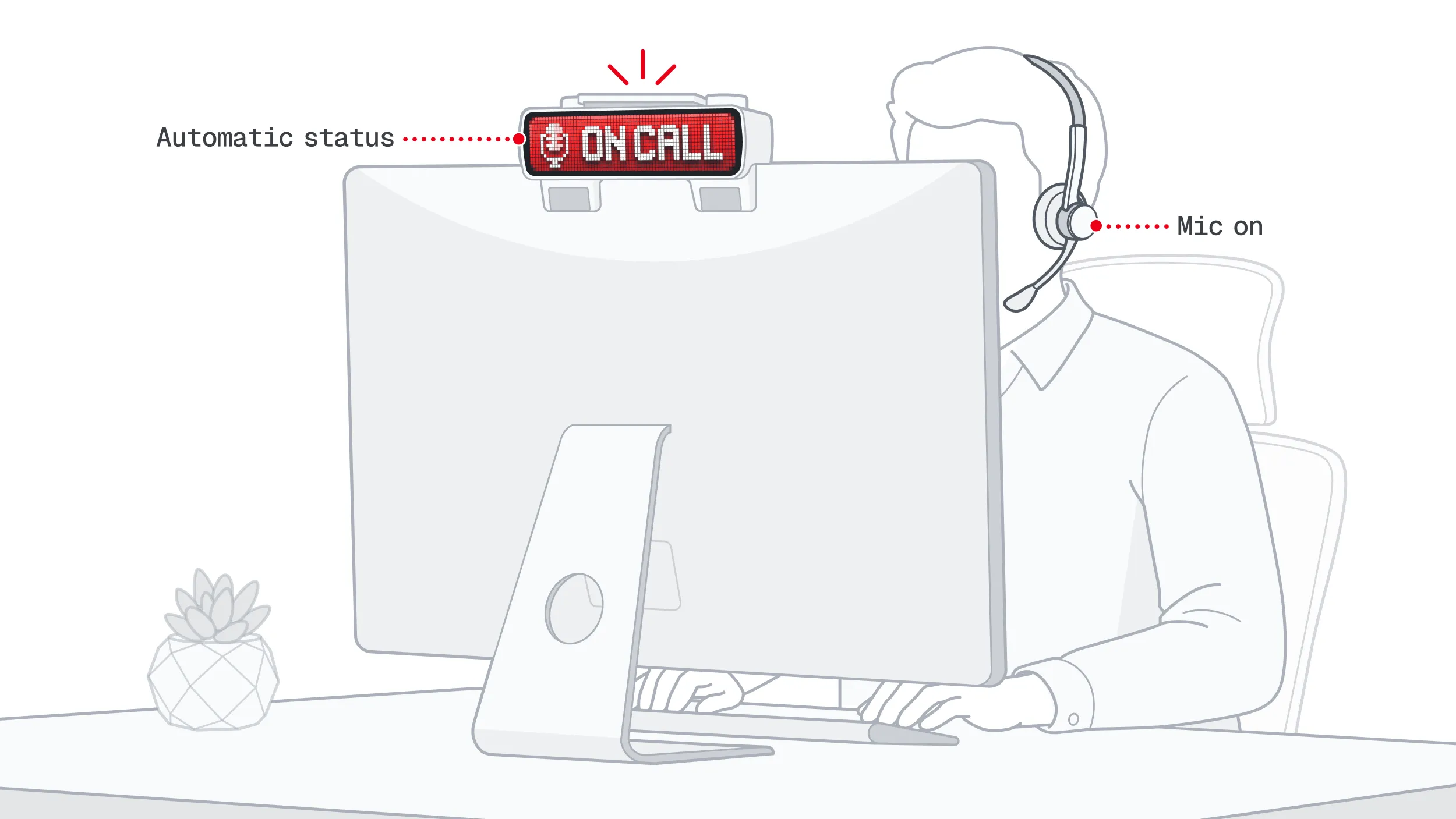
BUSY Bar can automatically show ON CALL status, clearly signaling to people around you that you’re on a call and shouldn’t be disturbed. This feature doesn’t require any additional permissions, and it cannot listen to the microphone. No setup is needed in messaging apps like Slack or Microsoft Teams.
How it works: on your computer, BUSY App runs in the background and monitors microphone usage. When a call starts in any application, BUSY Bar automatically switches to ON CALL. When the call ends, the status is cleared automatically.
On this page, you’ll learn how to enable and use auto ON CALL status with your BUSY Bar.
This feature works only on macOS when your BUSY Bar is connected to BUSY App — either via USB or through account login.
Windows support is coming soon.
Enable auto ON CALL status (Mac only)
Before using auto ON CALL status, make sure:


Open  BUSY App.
In the BUSY Bar tab, enable the ON CALL integration toggle.
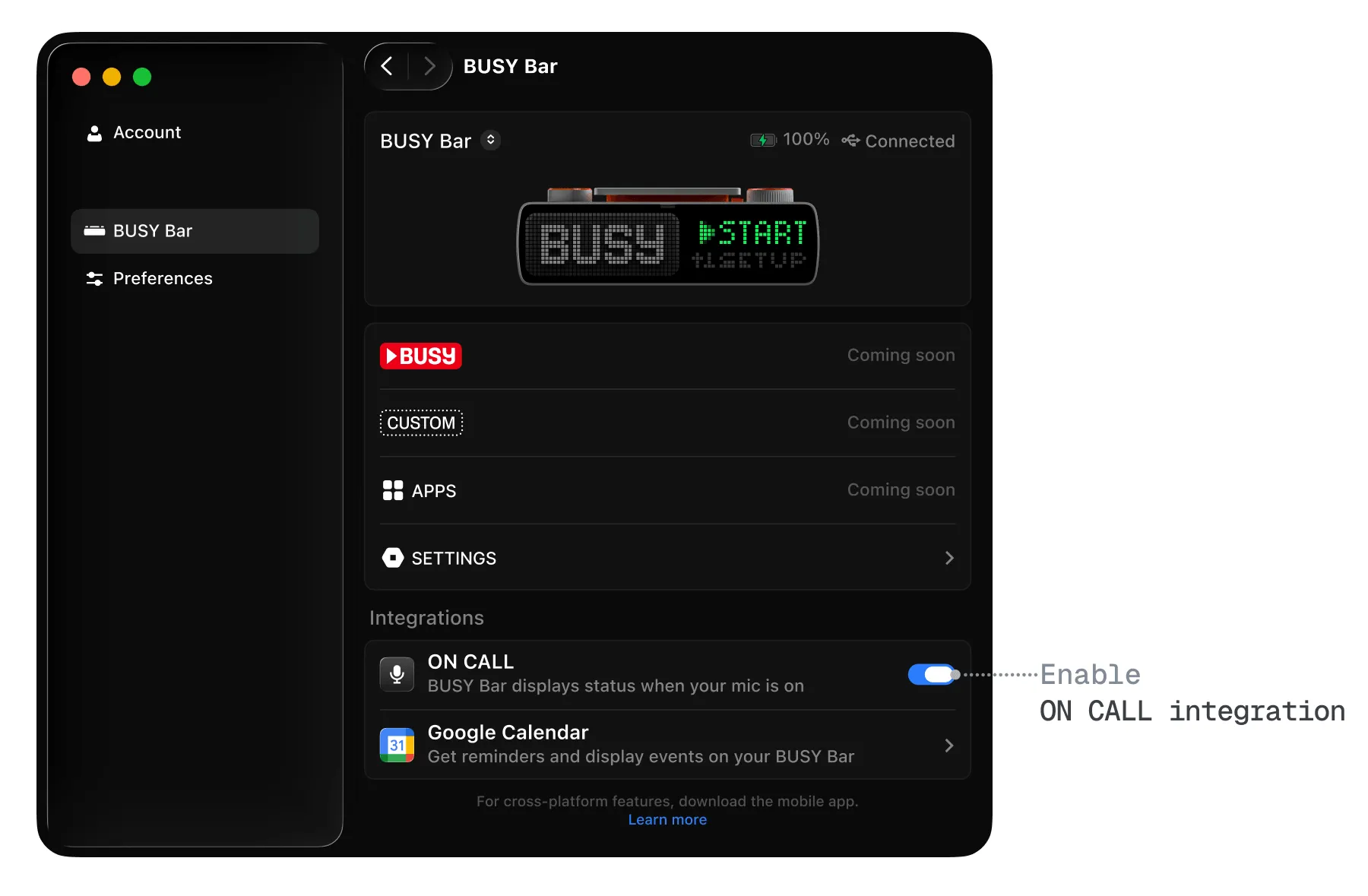
Now, your BUSY Bar will automatically display ON CALL whenever you’re in a meeting or call on your Mac.
Disable auto ON CALL status
To disable auto ON CALL status on Mac:
Open BUSY App.
In the BUSY Bar tab, disable the ON CALL integration toggle.