Development
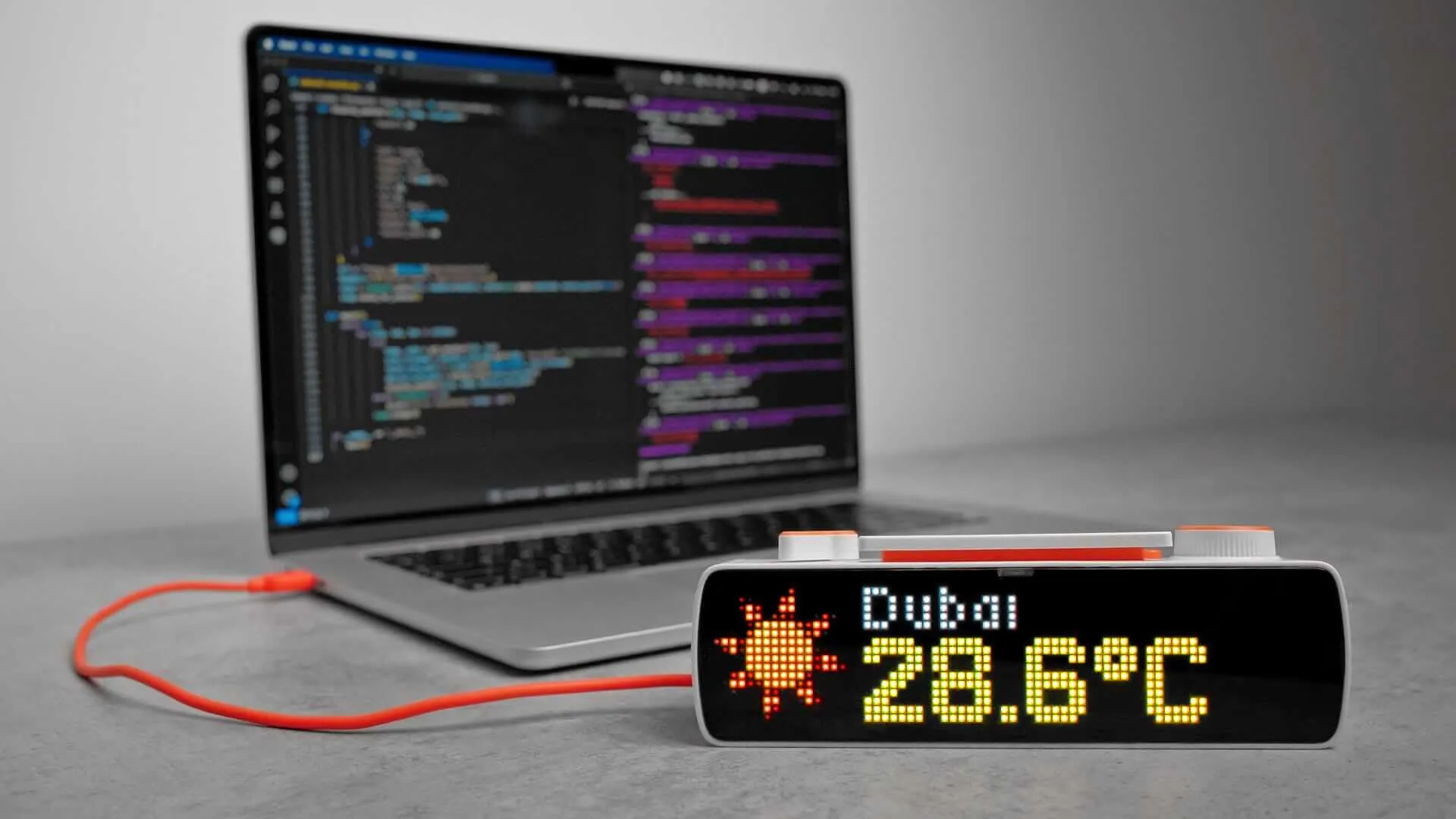
Developers can control BUSY Bar through its open HTTP API, including displaying custom images, switching operating modes, and configuring device settings. The same API works over local connections via USB or Wi-Fi, as well as remotely over the internet using API token authentication.
 Coming soon
The SDK for developing BUSY Bar apps in JavaScript is under development.
HTTP API

Control your BUSY Bar from any script, application, or service

Complete reference of all BUSY Bar HTTP API endpoints

Reference of the cloud endpoints for timer state and profiles

Manage your API tokens for remote connection to BUSY Bar
busylib library

Official Python wrapper for the HTTP API

Setup guide, examples, and API reference

Official TypeScript wrapper for the HTTP API
Community .NET library
There’s also a .NET client for the BUSY Bar HTTP API, built and maintained by the community: BusyBar .NET.
Firmware sources

Official BUSY Bar firmware repository
Build your own widgets
You can create your own BUSY Bar widgets using our open HTTP API, turning the device into a programmable display showing real-time data. Check out our guide on creating widgets without coding in the BUSY Blog: